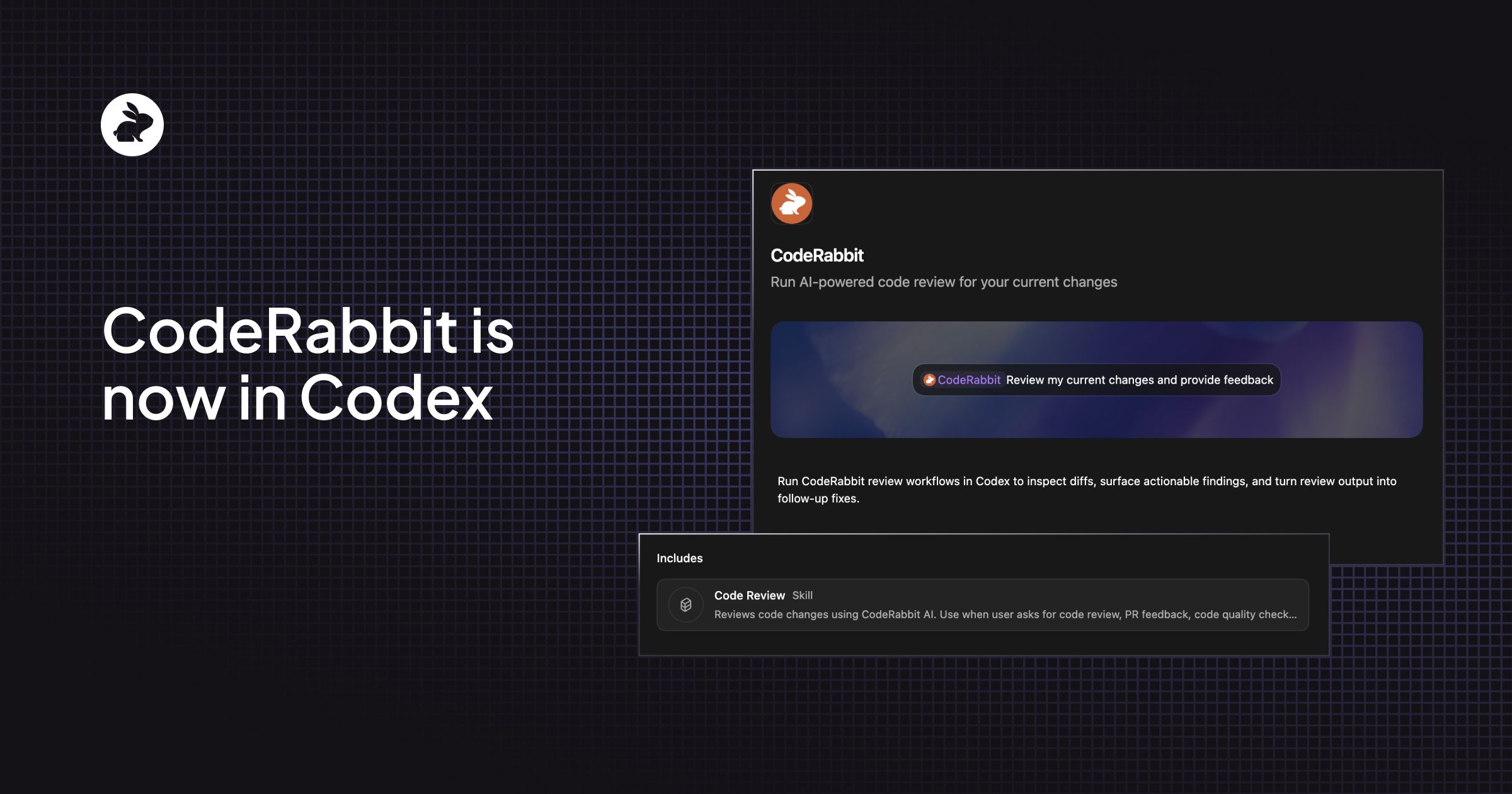
Staying in flow matters. The moment a developer has to leave the current session to run a review somewhere else, wait for results, and context-switch back to act on findings, that momentum breaks. The CodeRabbit plugin for Codex brings AI-powered code reviews directly into the same surfaces where developers are already writing and iterating on code, so they can get structured feedback while the work is still fresh and move faster from draft to pull request.
That matters most when a developer is already using agents to write, edit, and refine code inside the same session. Feedback lands better when it shows up before a change reaches a pull request, while the developer still has full context. Catching issues at that stage shortens review cycles, reduces back-and-forth, and helps teams ship with fewer surprises.
Bringing review into the same session where code is being written is the gap we wanted to close. A developer can ask Codex to "review my current changes with CodeRabbit" and the agent handles the rest: checking whether the CodeRabbit CLI is installed, running authentication, executing the review against the working branch, and returning findings ordered by severity. All without leaving the terminal or the Codex app.How it Works
At its core, the CodeRabbit plugin helps Codex run reviews without pushing the developer into a separate workflow. In practice, the flow looks like this:
- A developer asks Codex to review the current changes using CodeRabbit.
- The plugin checks whether the CodeRabbit CLI is installed and whether the user is signed in.
- Codex picks the right review target and runs CodeRabbit against the relevant changes.
- Findings come back ordered by severity inside the same working session.
- The developer can act on that feedback immediately or ask the agent to help fix the issues and review again.
That first run experience is a big part of the value. On setup, the plugin guides the agent to check for required tooling, install it when needed, and only ask for user input when account sign in is necessary. The result is that review can stay closer to the work itself, which makes it easier for developers to act on findings immediately and for teams to move through review with less friction.
Prerequisites
Before installing the plugin, make sure you have:
-
CodeRabbit CLI installed. Install it globally by running:
Restart your shell after installation to make sure the CLI is available.curl -fsSL https://cli.coderabbit.ai/install.sh | sh - A CodeRabbit account. You need to be authenticated before running reviews. You can sign in or get started by running the authentication command within Codex and completing sign-in in the browser when prompted. The CodeRabbit CLI is free to use, with rate limits on the free tier.
Installation
Codex supports plugin installation from the Plugin Directory in both the app and the CLI. The steps differ slightly depending on where you are working.
In the Codex app:
- Open Plugins from the sidebar.
- Search for CodeRabbit and select Add to Codex.
- If prompted, complete authentication during setup.
In the Codex CLI:
- Run
codexand open/plugins. - Search for CodeRabbit and select Install plugin.
- If prompted, complete authentication during setup.
After installation:
- Start a new thread and ask Codex to review your current changes. You can also type
@coderabbitto invoke the plugin directly. - If you have not yet authenticated, the plugin will guide Codex through the sign-in process on first use.
You will know the installation worked when Codex can recognize the review request, route it through CodeRabbit, and return findings inside the same session. The workflow works from both the Codex app and the CLI, so you can run reviews wherever you are already working.
What Comes Next
This first version is a starting point. We plan to keep refining how review feedback flows back into the agent and to expand the plugin with new skills as the workflows mature. Because users get updates through the plugin itself, new capabilities arrive without any extra setup.
If you try it, we would love to hear how it goes. Tell us what to improve next in the CodeRabbit subreddit or the CodeRabbit Discord.