
Konrad Sopala
May 19, 2026
6 min read
May 19, 2026
6 min read

Cut code review time & bugs by 50%
Most installed AI app on GitHub and GitLab
Free 14-day trial
It's Monday, 9:14am. You open Slack and there are 47 unread channels, six DMs that start with "quick question," a Linear ticket someone @-mentioned you on Friday afternoon, a Datadog alert from Sunday night that someone else already hacked, and a customer escalation in #eng-support that you can't tell is a known issue or a fresh regression.
You haven't opened your IDE yet. You won't for another hour. The "real work" hasn't started because the context retrieval hasn't finished.
This is the part of engineering nobody benchmarks. And it's the part CodeRabbit Agent for Slack was built for.
We've been recording short demos of CodeRabbit folks putting the agent to work on the workflows that actually fill an engineer's day. Below are four of them. Each one is a thing a person used to do manually, in 12 tabs, that now happens in a thread.
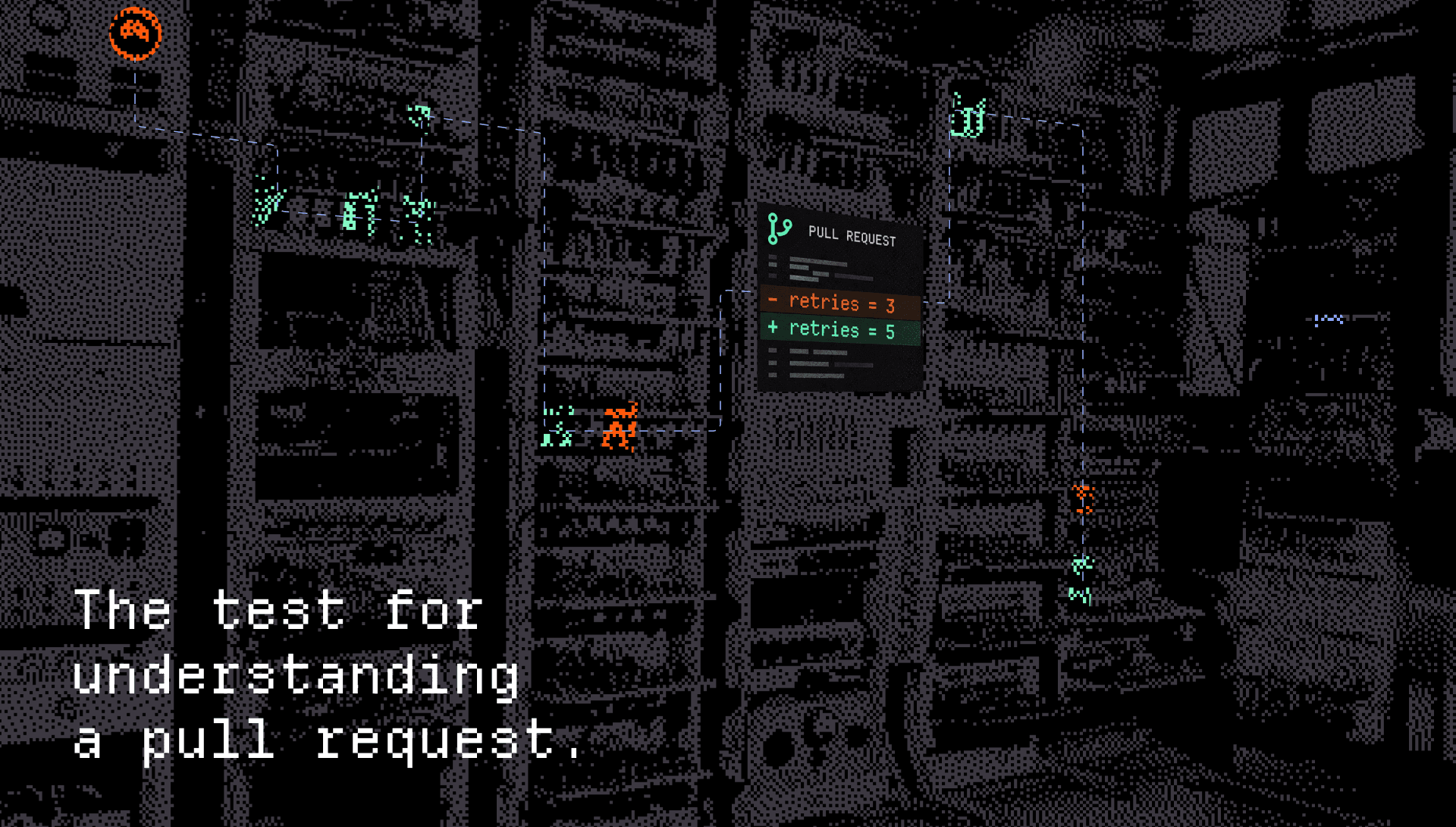
If you're an engineering manager, you know the cadence. A PR opens Tuesday. By Thursday it's idle. By the following Wednesday it's a merge conflict, an outdated dependency, and a Slack apology thread.
Stale PRs don't go stale because reviewers are lazy. They go stale because nobody on the channel can tell, at a glance, what the PR is actually about and whether it's blocking anything important. The PR title says "fix flaky test." Maybe. Maybe it's the auth refactor in disguise.
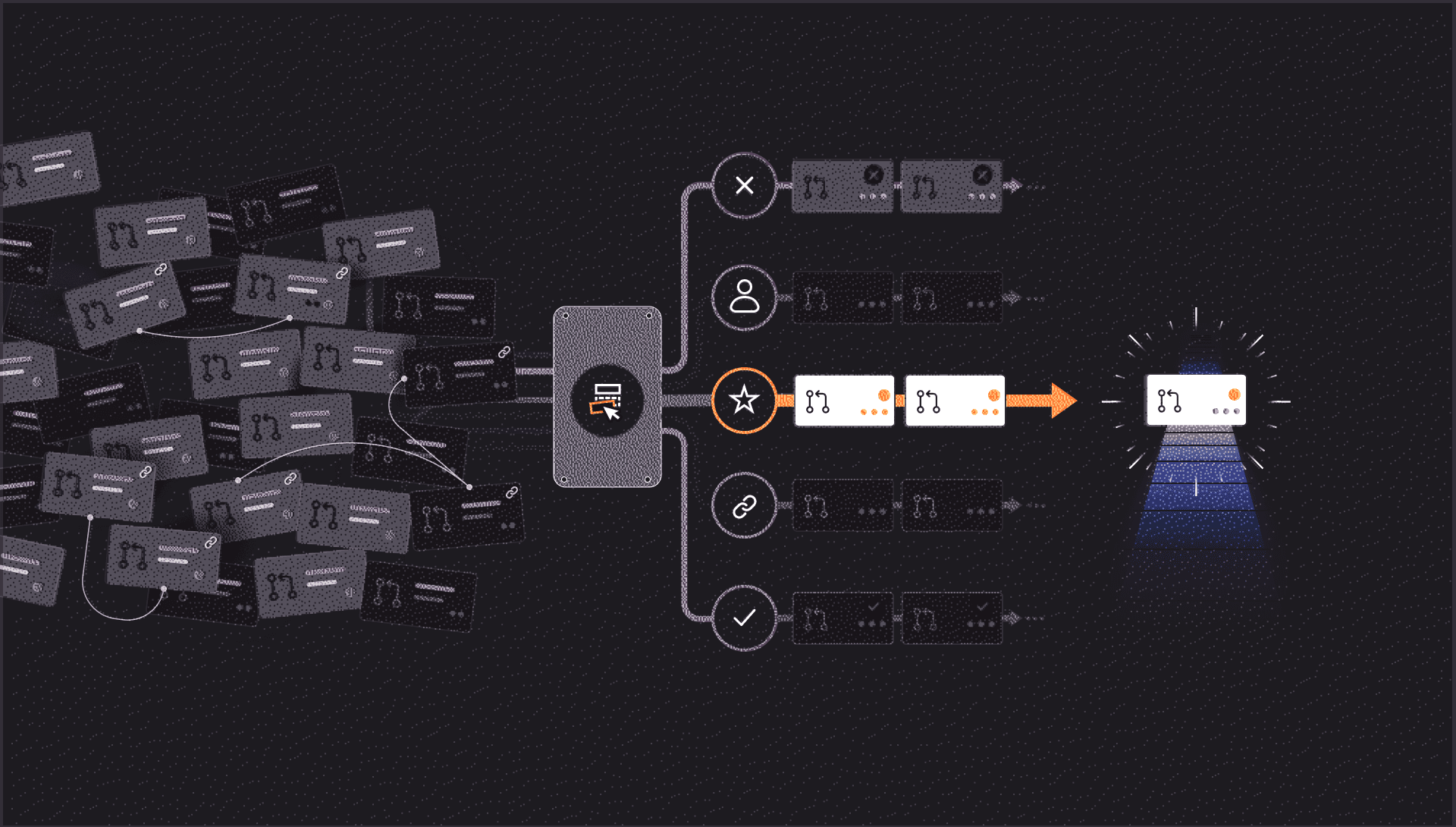
Here's the automation: every hour, the agent scans open PRs idle for more than 8 hours. In your engineering channel, it posts one thread per stale PR with:
That last bullet is the one that earns its keep. You scroll the channel, read the summary, you know in 30 seconds which PRs deserve your attention and which can wait until standup. The author gets a nudge that isn't passive-aggressive because it comes with context the reviewer actually needs.
Yes, hourly is aggressive. It's also tunable: every 4 hours, twice a day, whatever cadence your team can absorb.
At CodeRabbit, engineering ships constantly. New models, new finishing touches, new agent capabilities. Sometimes it's hard to keep up even from the inside. Marketing, support, and even other engineers can fall behind on what landed in prod during the week.
That's why we have the agent brief us weekly on everything that's been pushed.
Every week, in our internal channels, the agent drops:
It's the changelog before the changelog. The product marketing team uses it, support uses, new hires use it.
If you've ever joined a fast-moving team and felt like the org was a black box for the first month, you know exactly why this works. It's not a status meeting. It's not a Notion page nobody updates, it's a digest that writes itself, delivered where the team already reads.
Internally, this is our favorite workflow. And when we've been showing this off to customers, it's the one that makes it clear how CodeRabbit Agent for Slack could work inside other organizations.
A customer ticket lands in Pylon. A support engineer pastes it into #eng-support and tags the agent. From there, in one Slack thread:
Historically, this workflow was managed by three to four people and five tools. Now, it lives in one thread.
I'd like to call out here that not only did the agent do all of it, but the team saw all of it as well in a public channel. Support knew where their ticket went. Engineering knew where the lead came from. Anyone scrolling the channel a week later has the full incident trail, decisions and all, sitting in chronological order. The async dispatch model where you "send a task and wait" is replaced by a synchronous workflow the team can steer mid-flight.
That last part is what we mean by an agentic SDLC. An agent that operates across the tools you already use, in the place you already work.
You log off Friday. You come back Monday. The org didn't stop.
A typical Monday playbook: skim 12 channels, click through GitHub notifications, find the design doc someone updated, figure out which incident in #eng-incidents was actually serious, miss something important.
Or: DM the agent. "Catch me up on the weekend."
It goes through the org repos, the channels you have access to, the merged PRs, and the threads with activity, and gives you the brief. Not "here's everything that happened" but here's what's worth your attention.
The PR that broke the staging deploy. The Linear ticket your teammate handed off to you on Saturday. The customer thread in #eng-support that's still open. The architecture debate in #platform that's about to surface at 11am.
You read it in two minutes, and walk into your first meeting actually knowing what's happening.
None of these are new ideas. Engineering teams have been writing scripts to do versions of this for years: cron jobs, custom Slack bots, internal newsletters someone heroically maintains for three months before life gets in the way.
What's different now is that the agent has context. It reads your repo, your tickets, your traces, your threads and it scopes that access per channel, per team, per workspace. Spend, access, and memory are governed at the org level, not pushed down to whichever engineer felt like installing a CLI tool on Tuesday.
That's the part that makes the four demos above repeatable instead of one-off magic tricks. The IDE was the right center of gravity when code was the system. Today, the system is the system and Slack is where the team actually talks about it.
Install it, add it to a channel, tag it in a thread and pick one of the workflows above to try first.