CodeRabbit logoCodeRabbit logo
特徴エンタープライズカスタマー料金表ブログ
リソース
  • ドキュメント
  • トラストセンター
  • お問い合わせ
  • FAQ
ログイン無料試用を開始
CodeRabbit logoCodeRabbit logo

プロダクト

プルリクエストレビューIDE レビューCLI レビュー

ナビゲーション

私たちについて特徴FAQシステムステータス採用データ保護附属書スタートアッププログラム脆弱性開示

リソース

ブログドキュメント変更履歴利用事例トラストセンターブランドガイドライン

問い合わせ

サポートセールス料金表パートナーシップ

By signing up you agree to our Terms of Use and Privacy Policy

discord iconx iconlinkedin iconrss icon
footer-logo shape
利用規約プライバシーポリシー

CodeRabbit Inc © 2026

CodeRabbit logoCodeRabbit logo

プロダクト

プルリクエストレビューIDE レビューCLI レビュー

ナビゲーション

私たちについて特徴FAQシステムステータス採用データ保護附属書スタートアッププログラム脆弱性開示

リソース

ブログドキュメント変更履歴利用事例トラストセンターブランドガイドライン

問い合わせ

サポートセールス料金表パートナーシップ

By signing up you agree to our Terms of Use and Privacy Policy

discord iconx iconlinkedin iconrss icon

Introducing one of the most requested CodeRabbit features: Multi-Repo Analysis.

by
Konrad Sopala

Konrad Sopala

March 06, 2026

|

3 min read

March 06, 2026

3 min read

  • Introducing Multi-Repo Analysis
  • Setup & configuration
  • See it in action
  • Try it now
Back to blog
Cover image

共有

https://victorious-bubble-f69a016683.media.strapiapp.com/X_721afca608.pnghttps://victorious-bubble-f69a016683.media.strapiapp.com/Linked_In_a3d8c65f20.pnghttps://victorious-bubble-f69a016683.media.strapiapp.com/Reddit_feecae8a6d.png

他の記事を読む

最もリクエストの多かったCodeRabbit機能の1つ:マルチリポジトリ分析の紹介

最もリクエストの多かったCodeRabbit機能の1つ:マルチリポジトリ分析の紹介

The most requested CodeRabbit feature: Multi-Repo Analysisの意訳です。 すべてのチェックをパスし、レビューでも問題なさそうに見えたプルリクエストをマージしたら、10分後にダウンストリームのサービスが壊れてしまった...という経験があれば、この問題をすでにご存知でしょう。 アーキテクチャが複数のリポジトリにまたがっている場合(マイクロサービス

PLATEAU SDK for Unity & UnrealにおけるCodeRabbit活用事例

PLATEAU SDK for Unity & UnrealにおけるCodeRabbit活用事例

PLATEAU SDK for Unity、およびUnreal(PLATEAU SDK for Unity & Unreal)以下は、国土交通省が提供するPLATEAUデータ、つまり日本の都市をデジタルに再現した3D都市モデルを、ゲームエンジン上で扱いやすくするためのツールです。UnityとUnreal Engine向けに提供されており、都市の見た目や情報を開発現場で活用しやすくすることを目的に開

セマンティック・ヒストリー:バイブコーディングがツイートから本番環境へ至るまで

セマンティック・ヒストリー:バイブコーディングがツイートから本番環境へ至るまで

A semantic history of vibe coding: Tweet, meme and workflow の意訳です。 AI の世界において、1年は永遠と同じくらい長い期間です。 2025年2月、Andrej Karpathy は、ソフトウェア界にツイートサイズの文化的マーカーを投下しました。それがバイブコーディングという言葉です。このフレーズが定着したのは、開発者エクスペリエンスに

If you've ever merged a pull request that passed every check, looked clean in review, and then broke a downstream service ten minutes later…you already know the problem.

When your architecture spans multiple repos (microservices, shared libraries, separate frontend and backend packages) a change in one place can silently break things in another. A renamed field in your API response schema? Looks great in the PR, but the three services that parse that response have no idea what's coming.

This is one of the most common pain points we hear from teams running multi-repo setups and it's been one of the most requested features among our customers.

So we built it.

Introducing Multi-Repo Analysis

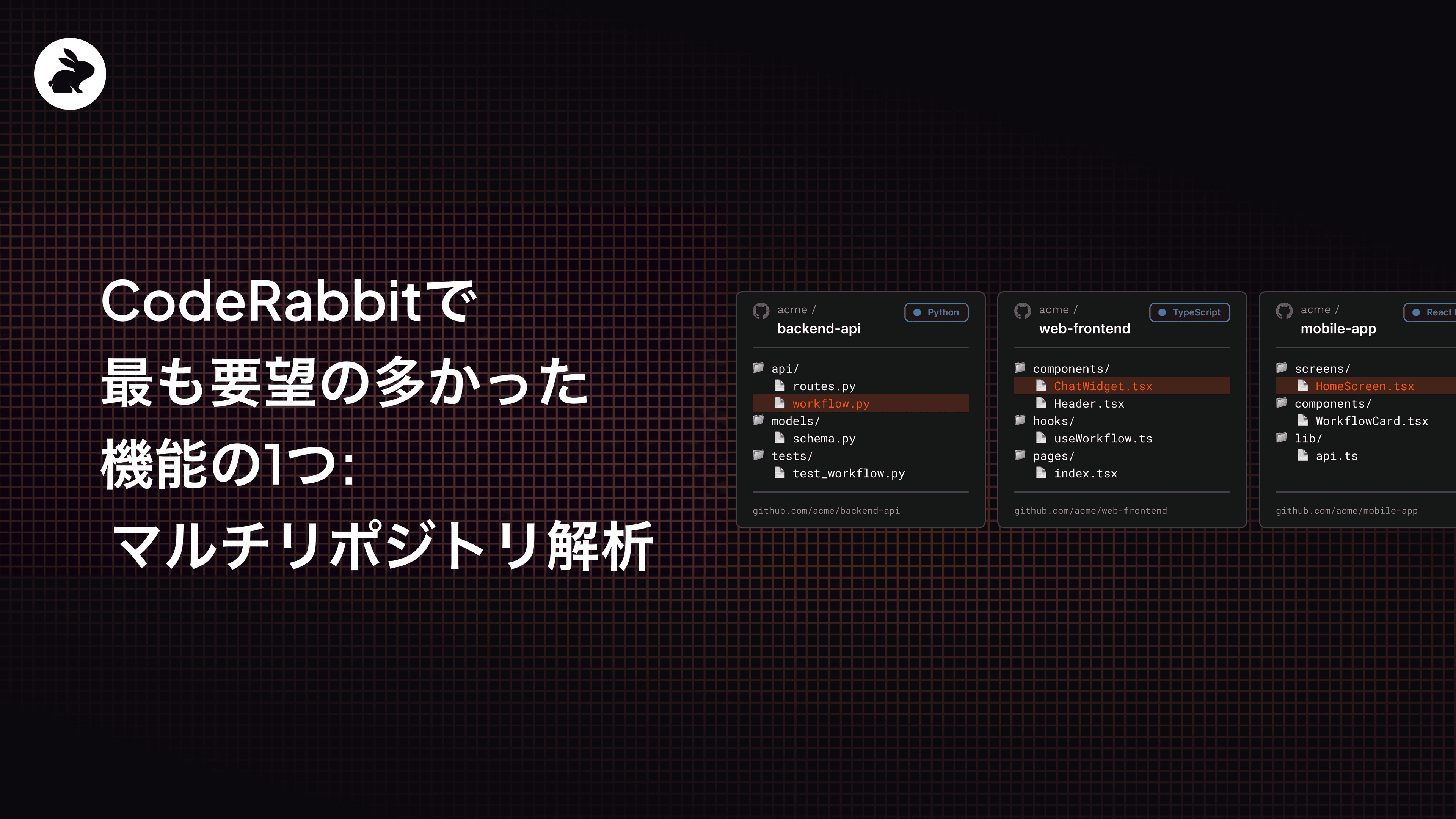
Multi-Repo analysis is a new CodeRabbit feature available to Pro and Enterprise tier users that let you connect related repositories so that CodeRabbit pulls context from across all of them during code reviews. Think microservices, shared libraries, API contract changes, or any setup where a change in one repo can quietly break another.

When a pull request modifies a shared API, type definition, or database schema, CodeRabbit automatically explores your linked repositories for downstream impact.

Instead of reviewing changes in isolation, you get the full picture before you merge.

Setup & configuration

Before you start using it, there are some platform-specific requirements to go through, to make sure the CodeRabbit bot has read access to all linked repositories:

Platform

Requirement

GitHub

The CodeRabbit GitHub App must be installed on all linked repositories. Inaccessible repositories are skipped, and a warning appears in the review summary.

GitLab

The bot token must have read access. Tokens are typically scoped to the group or instance.

Bitbucket Cloud

The bot token must have read access. Tokens are scoped to the workspace.

Azure DevOps

The PAT must have read access. Tokens are scoped to the organization.

Once that's configured, you can finish the setup in two ways:

  • Through the CodeRabbit web interface

    • Head to Repositories section and select a repository that you would like to add a linked repository to

    • Switch off the Use Organization Settings toggle

    • Go to the Knowledge Base and find the Linked Repositories section.

    • Add a new linked repository with instructions that will guide CodeRabbit during review.

  • Through YAML configuration

    • Add a linked_repositories section under knowledge_base in your .coderabbit.yaml file.
# yaml-language-server: $schema=https://coderabbit.ai/integrations/schema.v2.json
knowledge_base:
  linked_repositories:
    - repository: "myorg/backend-api"
      instructions: "Contains REST API endpoints and database models"

Keep in mind that as of now, each repository configuration supports only one linked repository, though multiple linked repos are planned in the future. For full setup details, check the docs.

See it in action

If you want a hands-on walkthrough, one of our Developer Advocates put together a tutorial that shows Multi-Repo analysis catching real cross-repo issues in a review.

https://youtu.be/BrT4rSHhA10?si=FzPUzcBUgqXdHXmZ

Try it now

A Multi-Repo analysis feature is available today. Connect your repos, open a PR, and let CodeRabbit show you what you've been missing.

Get started