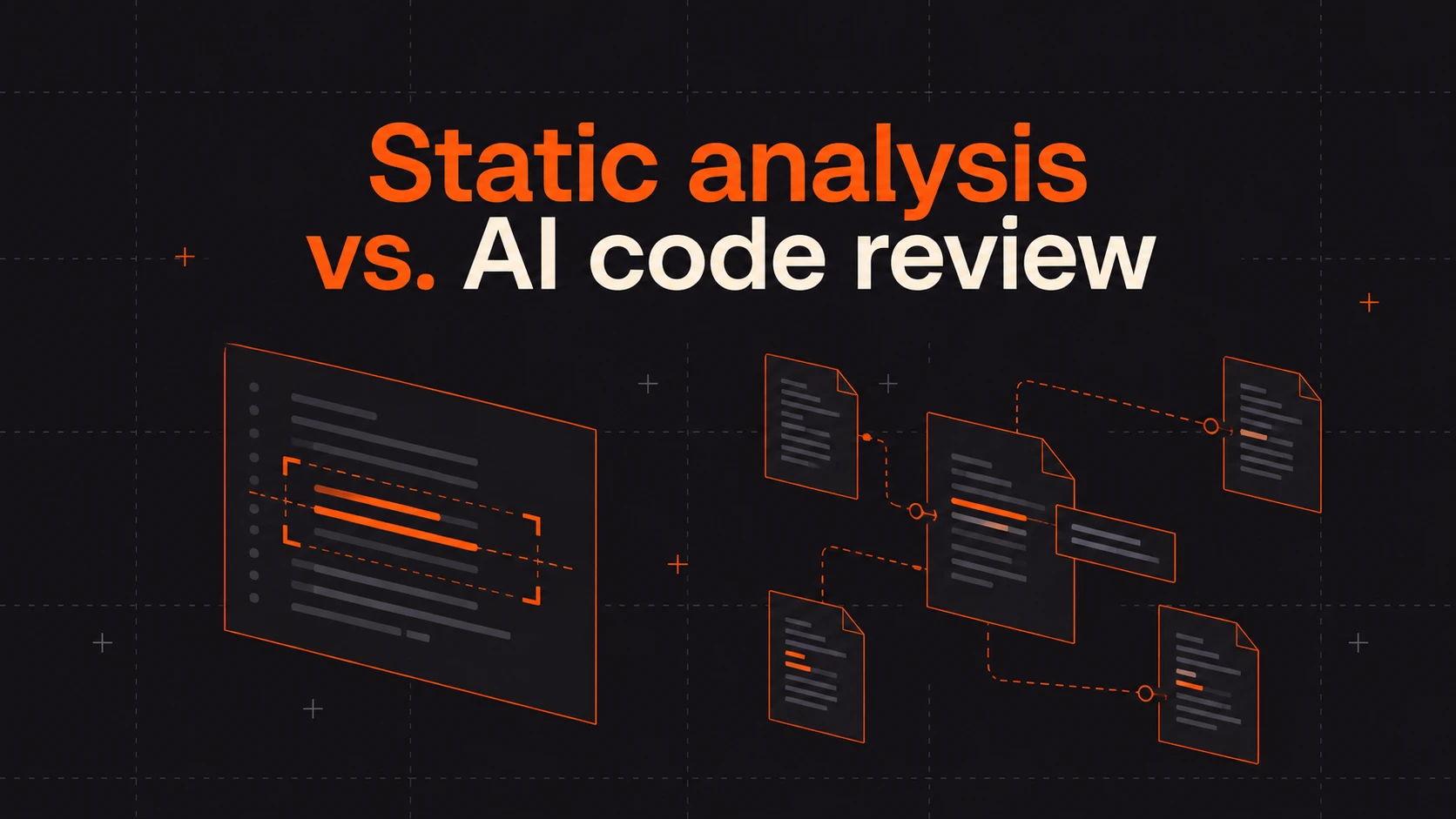
Static analysis checks code against configured rules and program models. AI code review reasons about a change with the surrounding context in view. Teams often frame the two as competitors for the same budget line, which overlooks how differently they work and where their capabilities overlap.
One provides repeatable checks for properties it can model. The other can evaluate whether a change makes sense in the codebase it lands in. This article covers what each approach catches, where each one runs out, and why the answer to “which one” is a division of labor rather than a winner.
What static analysis catches
Static analysis tools, including linters, type checkers, and SAST scanners, analyze code without running the application. Depending on the tool, language, and configuration, they can flag:
- Syntax errors, type mismatches, and violations of language idioms.
- Style and formatting drift from the configured standard.
- Known-dangerous constructs, such as string-built SQL, unsanitized input reaching a shell, or hardcoded secrets when secret detection is included.
- Unreachable code, unused variables, and suspicious control flow.
The strengths are structural. With the same code, rules, tool version, and configuration, deterministic checks give teams a repeatable baseline. Linters and many type checks are practical to run on every commit; deeper security analysis can take longer. Rule documentation and diagnostic paths help explain why a finding fired.
Static analysis also goes beyond matching syntax. CodeQL’s data-flow analysis, for example, can track values between functions and across a program. Its coverage depends on the code and behavior represented in its models. Our SAST vs. SCA guide explains how code analysis differs from dependency analysis.
Where static analysis runs out
A configured check can only evaluate the properties its rules and models express. Some consequential questions depend on application-specific intent that has never been made explicit:
- Logic errors. A discount calculation that applies the percentage twice can parse cleanly and type-check. A general-purpose linter may have no reason to reject it, even though a custom rule or test could catch it.
- Authorization and business-logic flaws. Whether
getInvoice(id)is safe depends on who is allowed to see that invoice. Tools can detect missing checks when the permission model is represented, but implicit business policy is harder to evaluate. - Cross-service behavior. Whole-program analysis can follow paths across files. Separate services, queues, runtime configuration, and unavailable code can still put parts of a consequential path outside its modeled scope.
- Convention drift. Code can satisfy the linter while violating how your team actually writes things, from naming intent to which internal helper wraps a risky operation.
There is also a cost to investigating noise. A reported path may be unreachable or protected by a safeguard the analyzer cannot model. OWASP’s source code analysis overview describes both the value of early detection and the problem of false positives. Prioritization, tuning, and evidence help teams act on the findings that matter.
What AI code review catches
AI code review can read a diff alongside relevant code and instructions, then ask whether the change does what it claims safely. With sufficient context, it can surface:
- Contextual correctness. Whether the logic matches the stated intent, handles edge cases, and preserves assumptions elsewhere in the codebase.
- Security flaws that depend on application policy. Whether an object reference respects the caller’s permissions, or a credential is handled appropriately for the operation.
- Reach beyond the diff. Which callers, consumers, and contracts a change affects, including ones in files the diff never touched.
- Your team’s standards. Documented conventions, past review feedback, and path-specific instructions that have not been formalized into lint rules.
These are overlapping capabilities, not categories that every static analyzer misses or every AI reviewer catches. Coverage depends on the implementation and the context available to it.
AI review can also produce a walkthrough of the change’s intent, behavior, and impact. Static tools already explain individual diagnostics; a change-level narrative serves a different job by helping the reviewer understand how the pieces fit together. Our guide to PR summaries and PR explainability explores that distinction.
Where AI code review needs discipline
AI review is probabilistic, so the same change can surface different observations across runs. Its judgments are only as good as the context it receives. A review agent reading an isolated file may miss the same permission policy or downstream assumption that a narrowly configured static check misses.
Findings need verification. A plausible-sounding flag can waste as much reviewer time as a scanner’s false positive. Useful evidence includes the relevant code path, applicable safeguards, a failing test or reproduction where feasible, and a clear account of what remains uncertain. Sandbox reproduction can strengthen a finding, but it is not possible or necessary for every issue.
Keep review independent of generation as a workflow discipline. Separating the writer from the reviewer adds another opportunity to challenge assumptions. Using a different model alone does not establish correctness: tests, explicit requirements, and human judgment still matter.
Which catches what: The side-by-side
Use this comparison as a guide to assigning work, rather than a guarantee of any product’s coverage.
| Review question | Static analysis | AI code review |
| Is the syntax, type usage, or formatting valid? | A strong first choice for repeatable checks. | Can comment, but should not replace established checks. |
| Does code contain a known vulnerable pattern? | Rules and data-flow models can identify relevant patterns and paths. | Can help interpret the finding against surrounding safeguards. |
| Does the logic match the intended behavior? | Finds properties expressed in rules and models. | Can question calculations and assumptions using stated intent. |
| Does access follow the permission model? | Can enforce modeled authorization requirements. | Can reason about policy when it has the relevant code and requirements. |
| What changes across files or services? | Interprocedural and whole-program analysis cover modeled paths. | Can connect callers and contracts it can retrieve; missing context limits coverage. |
| Does the change follow team conventions? | Enforces conventions encoded as rules. | Can apply natural-language guidance and relevant review feedback. |
| What should a human understand about the change? | Provides diagnostics, rule explanations, and analysis paths. | Can synthesize a change-level explanation and review priorities. |
The growing volume of AI-assisted changes makes this combination useful. In CodeRabbit’s study of 470 open-source pull requests, logic and correctness issues were 75% more common in the AI-co-authored group, and some security issue categories appeared up to 2.74 times as often.
The sample included 320 PRs classified as AI-co-authored and 150 classified as human-only. Authorship was inferred from observable signals, so these are findings from that sample, not universal rates for all AI-generated code. The study also found more formatting issues in the AI-co-authored group, reinforcing the value of keeping deterministic checks in place.
Use both static analysis and AI code review
Layering the two works when each does the job it is suited for:
- Run fast static checks early. Catch syntax, types, formatting, and other configured problems before reviewers spend time on them. Schedule deeper analysis according to its cost and coverage.
- Give AI review the relevant context. Include requirements, codebase relationships, security assumptions, and team conventions so it can evaluate more than an isolated diff.
- Route findings through one workflow. Prioritize and explain them in the pull request so developers can address the change without reconciling scattered dashboards.
- Verify consequential findings. Use code paths, tests, and reproductions where appropriate. Keep uncertainty visible when evidence is incomplete.
- Keep a human decision in the loop. The reviewer evaluates the evidence, remaining risks, and intended behavior before approving the change.
Continue checking after merge where appropriate. Post-Merge Actions run configurable follow-up work after a merge. Separately, schedule repository scans to revisit interactions as the codebase changes, alongside testing and monitoring of the running application.
Static analysis and AI code review in one workflow with CodeRabbit
CodeRabbit brings rules and contextual review into the pull request workflow:
- Rules and reasoning together. Integrated linters and security tools run for supported files and feed findings into the review. Available checks depend on the project and configuration.
- Context around the change. Review can examine related code and use your instructions to evaluate logic, permissions, and downstream assumptions.
- Evidence for review. Ask for the path, assumptions, and checks behind a finding, and validate proposed fixes with your test suite before merging.
- Standards that carry forward. CodeRabbit learnings capture review preferences in natural language and apply relevant guidance according to its configured scope and approval settings.
Change Stack brings the code diff and its explanation into one review view, with ordered layers and summaries tied to the relevant code.
Keep the controls that already catch useful issues, and add contextual review for the assumptions they leave unchecked.
Start a free trial and see what a reviewer with context catches on your next pull request.