

CodeRabbit logoCodeRabbit logo
PlanEnterpriseCustomersPricingBlog
Resources
  • Docs
  • Trust Center
  • Contact Us
  • FAQ
  • Whitepapers
Log InGet a free trial
CodeRabbit logoCodeRabbit logo

Products

Pull Request ReviewsIssue plannerIDE ReviewsCLI ReviewsOSS

Navigation

About UsFeaturesFAQSystem StatusCareersDPAStartup ProgramVulnerability Disclosure

Resources

BlogDocsChangelogCase StudiesTrust CenterBrand GuidelinesWhitepapers

Contact

SupportSalesPricingPartnerships

By signing up you agree to our Terms of Use and Privacy Policy

discord iconx iconlinkedin iconrss icon
footer-logo shape
Terms of Service Privacy Policy

CodeRabbit Inc © 2026

CodeRabbit logoCodeRabbit logo

Products

Pull Request ReviewsIssue plannerIDE ReviewsCLI ReviewsOSS

Navigation

About UsFeaturesFAQSystem StatusCareersDPAStartup ProgramVulnerability Disclosure

Resources

BlogDocsChangelogCase StudiesTrust CenterBrand GuidelinesWhitepapers

Contact

SupportSalesPricingPartnerships

By signing up you agree to our Terms of Use and Privacy Policy

discord iconx iconlinkedin iconrss icon

Custom Finishing Touch レシピがあるのに、まだ手動でやりますか?

by
Atsushi Nakatsugawa

Atsushi Nakatsugawa

March 27, 2026

|

1 min read

March 27, 2026

1 min read

  • Finishing Touchesとは?
  • 紹介:Custom Finishing Touchレシピ
  • バックグラウンドで行われていること
  • 試してみましょう!
Back to blog
Cover image

Share

https://victorious-bubble-f69a016683.media.strapiapp.com/Reddit_feecae8a6d.pnghttps://victorious-bubble-f69a016683.media.strapiapp.com/X_721afca608.pnghttps://victorious-bubble-f69a016683.media.strapiapp.com/Linked_In_a3d8c65f20.png

Cut code review time & bugs by 50%

Most installed AI app on GitHub and GitLab

Free 14-day trial

Get Started

Catch the latest, right in your inbox.

Add us your feed.RSS feed icon
newsletter decoration

Catch the latest, right in your inbox.

Add us your feed.RSS feed icon

Keep reading

Why do that stuff manually when you have Custom Finishing Touch recipes?

Why do that stuff manually when you have Custom Finishing Touch recipes?

Go check your pull requests real quick. If you’re like most devs, there’s at least one PR in there that’s almost done. The feature works, the logic makes sense, tests pass locally. If someone asked wh

A very brief history of AI coding, from Copilot to next-gen agents

A very brief history of AI coding, from Copilot to next-gen agents

How code models became coding assistants, how assistants became agents, and how the practice of software engineering began to reorganize around them.

Meet CodeRabbit Plan: Better plans. Faster delivery. Less rework

Meet CodeRabbit Plan: Better plans. Faster delivery. Less rework

The challenge Teams using coding agents need prompts that are clear, specific and context-aware. That's exactly why we built CodeRabbit Plan, a collaborative planning tool that turns vague ideas into

Gemini 3.1 Pro for code-related tasks: More focus, higher signal-to-noise

Gemini 3.1 Pro for code-related tasks: More focus, higher signal-to-noise

In practice, developers experience AI code review through the comments it leaves on pull requests: how often it finds real issues, how much noise it produces, and how actionable its feedback is. To an

Get
Started in
2 clicks.

No credit card needed

Your browser does not support the video.
Install in VS Code
Your browser does not support the video.

Remove manual work with Custom Finishing Touch recipesの意訳です。

プルリクエストをちょっと確認してみてください。

多くの開発者と同じなら、「ほぼ完成」しているPRが少なくとも1つはあるはずです。機能は動いている、ロジックも問題ない、ローカルではテストも通っている。完成しているかどうか聞かれたら、「まあ…ほぼね」と答えるでしょう。それでもまだオープンのままです。

なぜでしょうか?どのチームにも、同じレビューコメントが繰り返し登場するからです。インポートの順序を統一する。TypeScriptの型を厳密にする。プロジェクト固有の規約を適用する。不足しているdocstringを追加する。挙げ出したらきりがありません。

これらの作業は重要ですが、繰り返しの作業でもあります。そして、PRが必要以上に長くオープンのままになる原因でもあります。

不足しているものを生成してレビュー可能な変更をオープンする、それをPR内から直接できるとしたらどうでしょうか?

Finishing Touchesとは?

本題に入る前に、用語を簡単に整理しましょう。Finishing TouchesはCustom Finishing Touchレシピを含む機能群です。大まかに言うと、ワンクリックでPRを磨いて拡張するエージェント型アクションで、以下の処理を担います。

  • マージコンフリクトの解消

  • ユニットテストの生成

  • レビューの指摘に対する修正の自動実装

  • コードのシンプル化

  • docstringの生成

そして最後に、カスタムエージェントコードをPRに対して実行する機能です。このブログではこちらをメインに取り上げます。

紹介:Custom Finishing Touchレシピ

どのチームにも、繰り返し発生するクリーンアップパターンがあります。標準的なLinterでは検出できず、レビューのたびに同じ指摘が出てくるものです。Custom Finishing Touchレシピを使えば、再利用可能な名前付きの指示を定義して、プルリクエストに対してエージェントによるコード変更を実行できます。

以下のような場合に最適です。

  • 同じコード品質に関するコメントがPRをまたいで繰り返し登場している

  • 標準的なLinterを超えたプロジェクト固有の規約を適用したい

  • レビューの往復回数を減らしたい

  • 開発速度を落としたくない

仕組み

セットアップ方法は2通りあります。

  • CodeRabbit YAMLファイル経由

.coderabbit.yaml内にレシピを次のように定義します。

reviews:
  finishing_touches:
    custom:
      - name: "cleanup stale imports"
        instructions: |
          変更されたファイルから未使用のインポートを検索し、それらを削除します。
          型定義で使用されているインポートは残します。
          既存のインポートの順序は変更せず、不要になったもののみを削除します。

その後、プルリクエスト内で直接トリガーします。

@coderabbitai run cleanup stale imports

CodeRabbitがレシピを実行し、結果を含む新しいプルリクエストをオープンします。通常のPRと同様にレビューできます。

レシピを設定ファイルに確定させる前に試してみたい場合は、アドホック評価を実行できます。

@coderabbitai evaluate custom finishing touch --name "sort imports" --instructions "変更されたファイル内の各インポート群において、すべてのインポート文をアルファベット順に並べ替えてください。"

実行モデルは同じですが、何も保存されません。一時的なタスクやアイデアを正式採用する前のテストに便利です。

  • CodeRabbit Webインターフェース経由

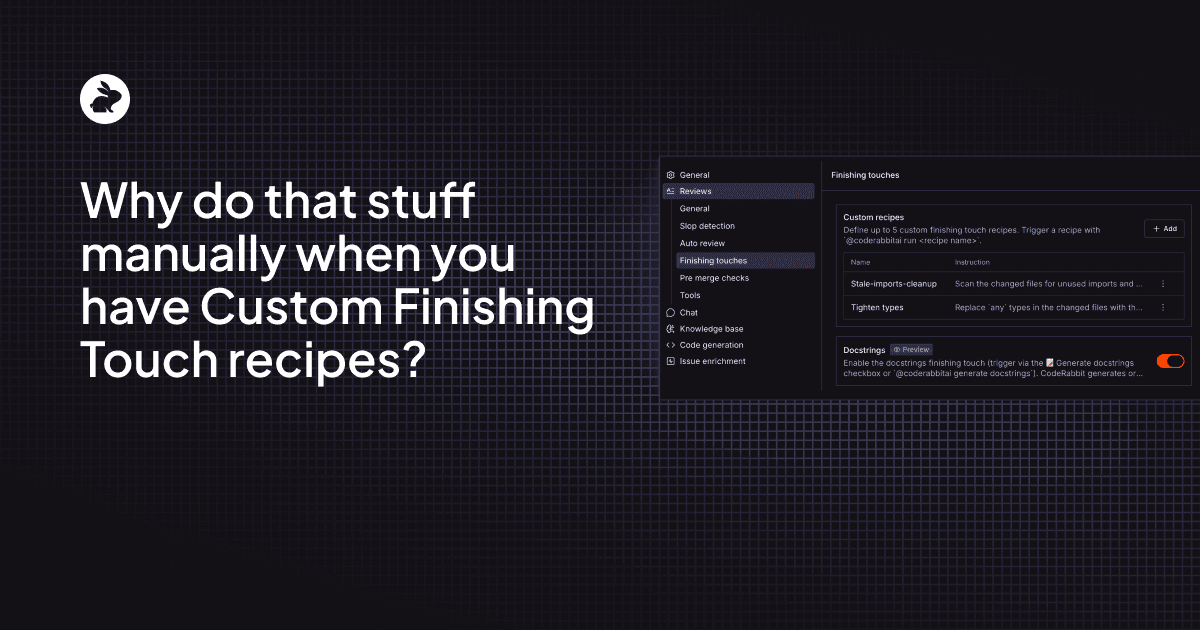
左サイドバーの「Organization Settings」をクリックし、「Finishing touches」に移動します。そこからカスタムレシピを追加できます。

主なポイント

リポジトリごとに最大5つのレシピを定義できます。レシピ名は大文字・小文字を区別しません。また、レシピを削除せずに無効化することもできます。

バックグラウンドで行われていること

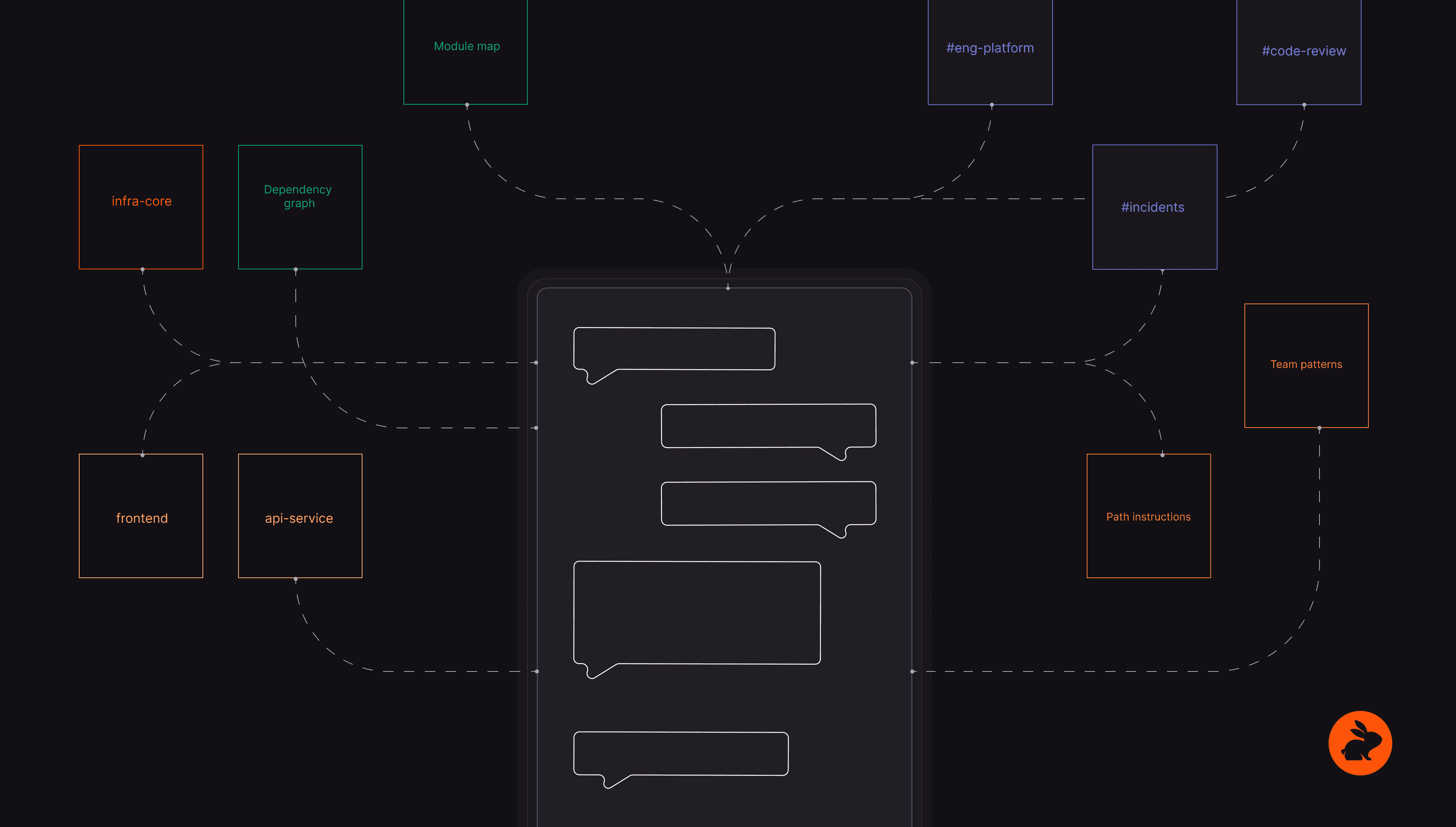
レシピをトリガーすると、CodeRabbitは単純なスクリプトの実行以上のことを行います。リポジトリを隔離されたサンドボックスにクローンし、タイトル・説明・サマリー・目的を含むPRの完全なコンテキストをエージェントに提供します。

また、reviews.path_instructionsからグローバルなコーディングガイドラインも読み込むため、エージェントはチームが合意した規約に従って動作します。

そこからRead、Write、Edit、Glob、Grep、Bashツールを通じてリポジトリへの制御されたアクセスが可能になります。エージェントは指示を実行し、提案された変更を含む新しいプルリクエストをブランチに対してオープンします。

自動的にマージされたり、ブランチが無断で変更されたりすることはありません。通常のPRと同様に差分をレビューして、何をリリースするかを判断できます。

試してみましょう!

Custom Finishing TouchレシピはGitHubのProプランユーザー向けにアーリーアクセスとして提供されており、GitLabおよびBitbucketへのサポートも近日公開予定です。

チームがプルリクエストで同じクリーンアップコメントを繰り返しているなら、ぜひ試してみてください。

不足しているものを指摘するのは、仕事の半分にすぎません。クリーンアップがまだ手動であれば、ボトルネックは依然として存在します。私たちはそれをなくしたいと考えています。

CodeRabbitを始めるにはこちらから。