You roll out a new review policy. Maybe it's a required path instruction for every SQL file. Maybe it's a stricter review profile for anything touching auth. You document it, send the Slack message and slot it into onboarding.
Three months later you go look: Half the repos have it, a quarter have their own version and the rest quietly opted out by tweaking their .coderabbit.yaml.
Every admin has lived this. Config drift isn't a bug, it's what happens when dozens of teams own their own config files.
Meet Global Overrides
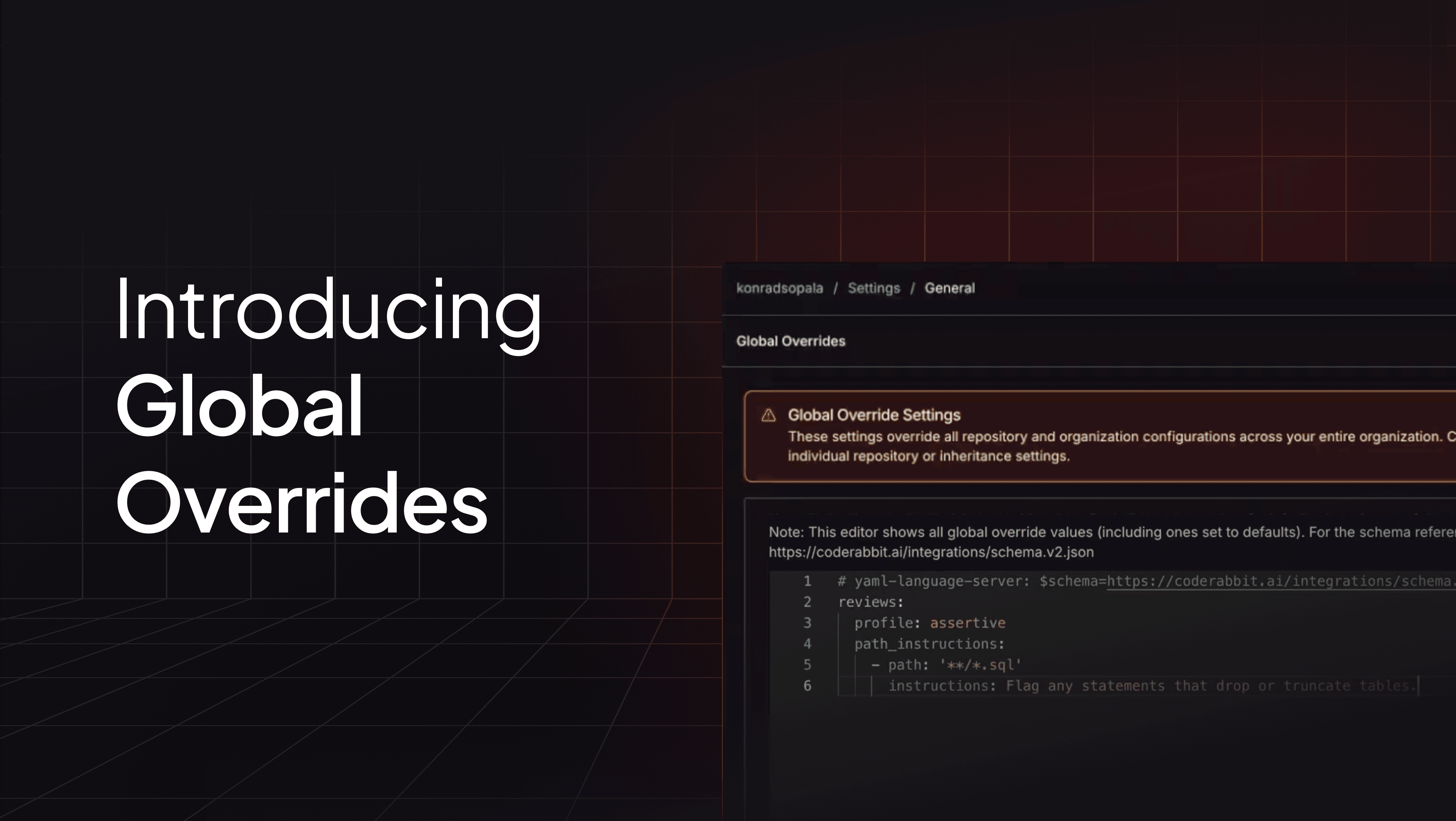
Global Overrides let org admins enforce configuration settings across every repository and every PR review in the organization - regardless of what individual repos have in their .coderabbit.yaml, their repo-level UI settings or anywhere else.
How to set it up
- Open Organization Settings in the CodeRabbit UI
- In the mode switcher at the bottom left of the sidebar, pick Global Overrides
- Write YAML using the same schema as
.coderabbit.yaml- only include the keys you want to enforce - Save
That's it. The overrides take effect on the next PR review across every repo in the org.
One small thing worth flagging: Unlike the YAML Editor, the Global Overrides page shows all settings defined - including default values - so you can see exactly what's being enforced at a glance.What happens when the override meets an existing config
Three things, depending on the type:
- Objects get deep-merged. Override properties replace matching properties at each nesting level.
- Arrays get merged by key. Override entries take priority when keys match (e.g.,
pathinpath_instructions) and unique entries from other sources are kept. - Scalars get simply overridden.
Arrays are worth a closer look because they're the trickiest of the three. Global Overrides uses the same key-based merge as configuration inheritance - override entries win when keys match, and any unique entries a repo has stick around. That means you can't wipe a repo's array clean just by defining a shorter one in the override; if you want to replace an entry, your override has to match its key.
Who can actually use this
Only organization admins can view or edit Global Overrides. That's the whole point - this is an enforcement mechanism, not a shared-defaults mechanism. If you want shared defaults that repos can customize on top of, use central configuration instead.
When to reach for it (and when not to)
Global Overrides are built for policies that have to apply everywhere, every time. Think:
- Compliance-driven review profiles
- Mandatory path instructions for sensitive code (SQL, auth, payments)
- Required checks that can't be turned off
- Security rules the org needs to guarantee apply everywhere
They're not meant for general defaults. If a setting is something repos should usually have but occasionally deviate from, put it in organization settings or central configuration. Save Global Overrides for the things that must apply, always, everywhere.
Try it out
If you're an org admin, head to Organization Settings - Global Overrides and set the policies you've been trying to enforce for months. It takes a minute. The next PR review picks it up.