Much of the hands-on work of coding happens individually. A developer reads the existing code, works out the constraints, writes the logic, and tests it.
With AI coding agents, each of those steps becomes a chat. Ask the agent to investigate the codebase and its constraints. If the input spec is thin, the agent drafts a richer one from what it finds in the code. A few iterations later, the agent implements the specifications. Tests run as the code is generated, by you or by the agent.
The developer conversation, though, is still solo.
If most of the work is now a conversation, the people with the right expertise should be in it. That's collaborative coding: specify, plan, and build together, with AI agents, in one shared thread.
One task, three experts
Consider this coding task. Sales needs product usage metrics. The metrics are in the product database. The goal is to implement a cron job that reads from the product database and writes them to a custom object in Salesforce. Three people hold the pieces:
- Salesforce admin: Creates the new fields with the right Field Level Security. They're the expert and the authorized person to make this change.
- Product engineer: Knows the tables and the best way to read the metrics.
- Infrastructure engineer: Deploys the cron job along with secure access to the database and Salesforce credentials.
Here's the meeting version:
- I meet the Salesforce admin and convey the Salesforce requirements.
- Then I meet the engineer and convey the database read and write requirements.
- As parts get built, we relay status to each other, likely in Slack.
- The engineer has questions, so all three of us huddle.
- Repeat until it's done.
Now, the collaborative coding version using Slack Code channels and CodeRabbit Agent for Slack:
- I ask CodeRabbit Agent for Slack to open a Slack Code channel with the requirements for the coding task.
- I invite the Salesforce admin. They can read the requirements in the channel, we can iterate to refine the specification, and then trigger the CodeRabbit agent to build the required fields.
- I invite the product engineer, who can see the full trail of the specification and what has been done so far. We discuss and iterate on the product database requirements.
- If the product engineer has questions about Salesforce API limits or batched writes, they can clarify with the Salesforce admin right in the same channel.
- The product engineer triggers another CodeRabbit coding task to read the database and write to Salesforce.
- When everything is ready to deploy, we bring in the infrastructure engineer. They can catch up in the Slack Code channel or ask CodeRabbit to summarize it.
Nobody has left Slack. If needed, the work is also on a GitHub repository branch that can be cloned for individual work. More importantly, coding gets done collaboratively among human experts and CodeRabbit AI agents.
The demo below shows a version of this workflow, with a product manager, Salesforce admin, and product engineer taking the task from requirements to pull requests and human approval.
Why collaborative coding isn't as exotic as it sounds
Look at what we already do:
- We already align in meeting rooms. We take notes and try to establish a shared understanding before building.
- But no single person has full depth on every part of an enterprise system. The Salesforce admin doesn't know the database schema. The product engineer doesn't know Field Level Security constraints. Each person walks out with a partial picture, then turns that partial picture into instructions for the agent, and more gets lost in translation.
- Everything reconverges anyway. Every stakeholder still has to approve the result at the end.
Collaborative coding keeps that alignment in the same conversation as the implementation, where the agent can use the stakeholders’ input directly. The agent's input comes from every stakeholder in real time, not one person's second-hand summary of a meeting.
What you gain and what changes
The advantages:
- Clarity going in. Agents get specific, multidimensional input from the people who own each piece, not a filtered summary.
- Shared visibility. Everyone sees progress without a status meeting.
- Local when you want it. Pull a copy any time, work solo, then rejoin the thread.
- Late joiners. Marketing, sales, support, or docs can be added at the right stage.
- Context that stays. It lives in the thread and channel, not in individuals' heads.
- Coverage. If someone is out of office, someone else can pick it up and finish.
The trade-offs:
- The main challenge is habit. We're not used to coding this way, and it feels new.
- Cloud-based coding agents instead of local development are also a big change.
- Slack Code channels are still new, so teams should expect changes to the workflow as the product evolves.
Collaborative coding with CodeRabbit Agent for Slack and Slack Code channel
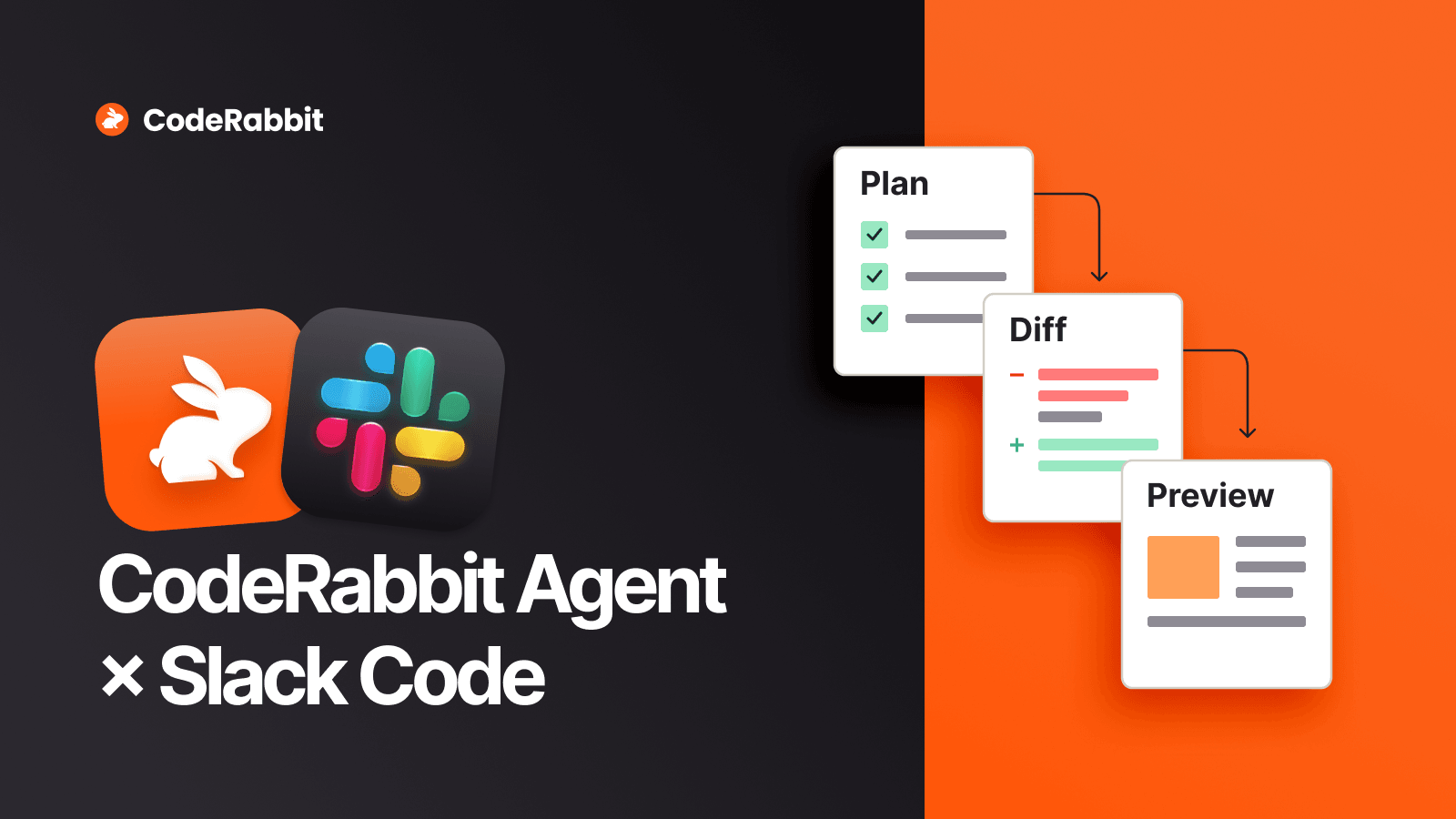
Slack recently launched Slack Code channels, with features tailored to coding tasks: artifacts for storing plans, a canvas for designs, and a diff view for code.
CodeRabbit Agent for Slack launched a few months ago, and we've since enhanced it to support Slack Code channels. Together, they can help teams:
- Research issues and features. Connect CodeRabbit Agent for Slack to ticketing systems such as Jira and Linear to fetch and investigate a request. The initial analysis helps teams decide whether to address it now or later.
- Develop specifications. Iterate with the right stakeholders, then bring in CodeRabbit Agent for Slack to investigate the codebase and refine the specification.
- Find the right experts. CodeRabbit's review context connects code areas with their authors. The team can identify the relevant experts and invite them into the channel.
- Implement the code. CodeRabbit's cloud coding agents, currently in beta, work in customizable environments to implement changes, commit them, and open pull requests.
- Review the code. When a pull request opens, CodeRabbit reviews it automatically and posts comments. As a step separate from implementation, the review gives the team another opportunity to catch issues.
- Finalize for merge. CodeRabbit Agent for Slack can evaluate review comments and prepare or apply changes. A named human approver reviews the result, and the team merges through the repository's normal protected merge process.
Getting started with collaborative coding is simple: three steps. You can skip the first two if you're already a CodeRabbit customer.
- Sign up for a CodeRabbit trial.
- Connect an active Git repository to CodeRabbit.
- Install CodeRabbit Agent for Slack.
After that, all you need to do is prompt: @Coderabbit start a Slack Code channel for <your idea>!