A coding agent can use up its context window and budget following one security lead, leaving parts of a repository unexplored.
The unexplored parts matter more as teams ship more code. Every line still belongs to someone who has to maintain it, secure it, and answer for what happens when it fails. We think 2027 will bring security agents into everyday software delivery, and Google Cloud's Security 2027 forecast makes a similar case.
At CodeRabbit, we approach security scanning as a mapping and search problem. The harness decides where to look, records what got inspected, and sets the standard of evidence for a finding.
How do you know what the scan covered?
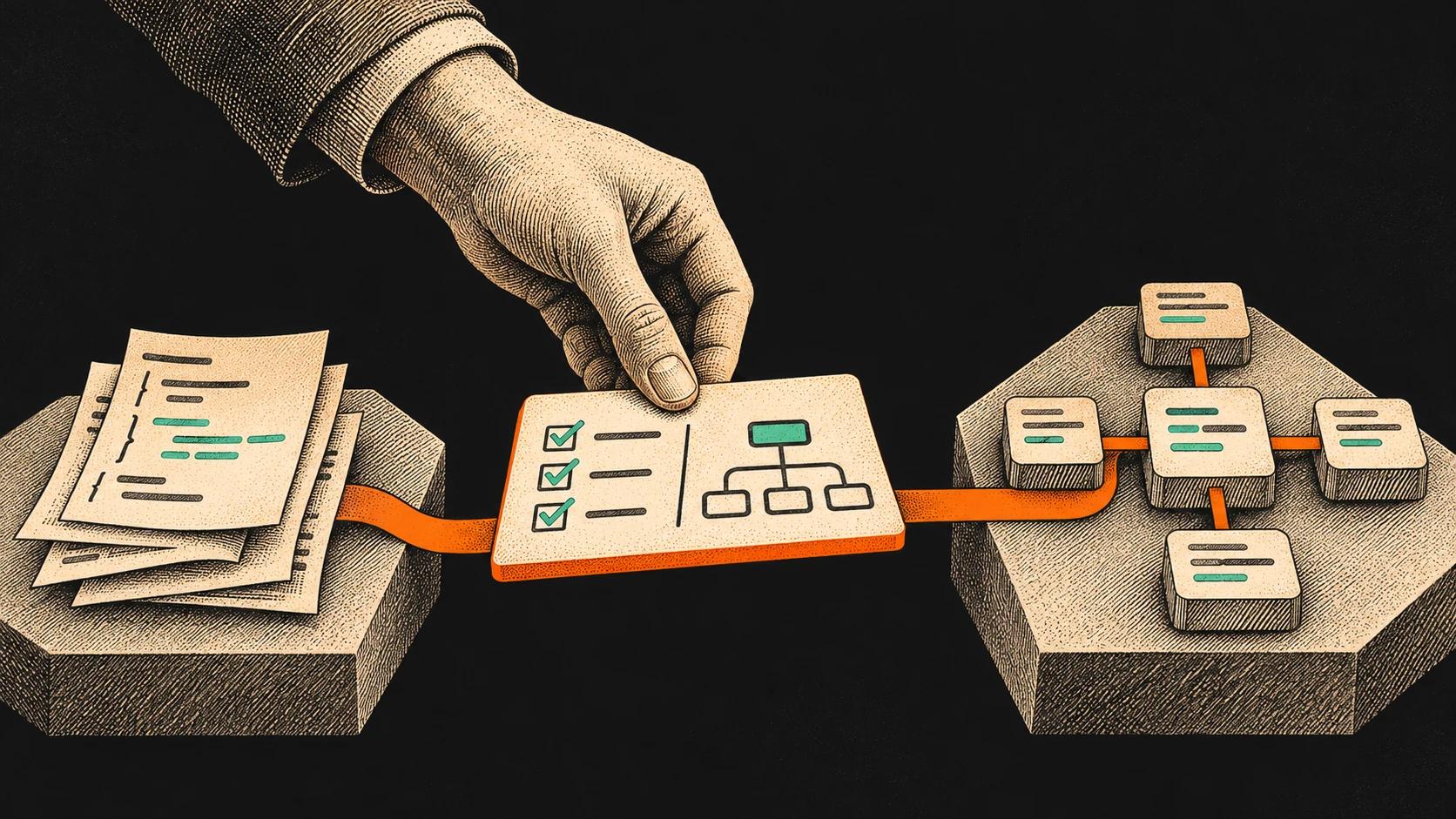
Divide the repository into sections an investigator can understand within one context window. A service or subsystem is a good starting point, as long as the investigator can also see the surrounding code it needs.
Keep track of what the scan was supposed to cover and what it actually inspected. For each completed assignment, cite the relevant code and note any gaps, even if no finding was reported. Compare the evidence with the original scope. If only part of the assignment is covered, leave the rest open for another pass.
Suppose a scan was assigned to review a service and its background jobs, but its notes cite only the service. Leaving the jobs open tells the next investigator where to start and shows the team what was covered.
assignment: billing-service-and-jobs
scope:
  - services/billing/ # request handlers and invoice logic
  - jobs/billing/ # background jobs for the same service
status: partial

inspected:
  - area: services/billing/
    result: no finding
    evidence:
      - services/billing/handlers/refund.ts:41-118 # ownership check before a refund
      - services/billing/invoice/totals.ts:12-67 # amount validation

open:
  - area: jobs/billing/
    reason: in scope, but no code from this area is cited
    next: assign to another pass
When the answer is in another repository
Investigations typically begin with a map. As agents gather evidence, new questions come up. The orchestrator that assigns the work can pass a focused follow-up question and the evidence gathered so far to another investigator. That investigator gets fresh context to work on the question while the harness keeps track of the rest of the scan.
The answer may be in a shared library or a deployment repository. Let’s say a service relies on a library to make an access decision. The service code points to where the decision is made, the library shows which policy it applies, and the deployment configuration establishes which version is in use. Looking across those sources lets an investigator narrow a finding or gather enough evidence to close it.
Give each finding an independent review
A finding starts as a hypothesis, so ask an independent model to check the cited code for evidence that could change the conclusion:
- Can the code be reached?
- What could happen if it is?
- Are there safeguards?
- What is still unknown?
Give the verifier clear criteria and let it disagree. It can accept a finding if the evidence supports it, reject it with a reason, or send a specific question back to the investigator. A second pass is worth the effort when the answer could change the verdict.
If a question about configuration is still open, the verifier can explain what evidence is missing and how it could affect the finding. The investigator then knows what to check next and when the follow-up is complete, and the developer sees which part of the conclusion still depends on an assumption.
Match the model to the job
Mapping a repository, investigating a candidate, and verifying a finding ask different things of a model. A fast model may be enough to build an inventory, while an investigation that crosses several trust boundaries may call for a stronger reasoning model. A verifier from a different model family can surface assumptions the investigator carried forward.
Define what evidence each stage receives and what it must return so you can swap a model without rebuilding the workflow. Evaluate the full pipeline against known vulnerable revisions and their patched counterparts. Track what the search misses, what the verifier incorrectly dismisses, and which false positives reach the report. A model that scores well on its own can still make the overall scan worse.
What can you confirm in a running deployment?
The code tells you what an application can do. The deployed version and its configuration determine which paths are exposed and which controls apply. Ingress rules, service identities, and feature flags can all affect a finding. When exposure is uncertain, record your assumption alongside the severity.
For findings that can be tested, an isolated runtime check can provide more evidence. The result should show whether the application was ready, the intended code ran, and the test could observe the behavior. If any of those conditions is unclear, the result is inconclusive. An application that never finished starting, for example, leaves the question open even if the test recorded an error, and the result should say so plainly so reviewers can judge what it supports.
What changes should trigger a rescan?
Start with a full scan to establish a baseline, then review new changes for issues, looking beyond the diff. A small change to a shared authorization check can affect every caller that uses it. Once the change lands, revisit findings that may rely on outdated evidence.
Changes to the deployment or the model can also invalidate earlier conclusions. A configuration change might expose a path that was previously unreachable, and a model update might improve discovery while making verification less reliable. Keep evidence tied to the code revision, environment, and scan that produced it so you know what needs another look.
That evidence also helps teams decide where to focus the next scan. If a shared library changes, revisit the findings that relied on it and check which services use the changed version. If deployment settings change, revisit conclusions that depended on those settings. The baseline gives you a point of comparison as the system changes.
Try Deep Scan in CodeRabbit Secure
We built Deep Scan to investigate code you’ve already shipped. It maps the primary repository, can consult linked repositories for evidence, and verifies candidate findings before reporting them. For supported findings, Runtime Verification can help you test the suspected behavior in an isolated environment and inspect the evidence.
Run your Deep Scan on a repository that owns a critical workflow today.