
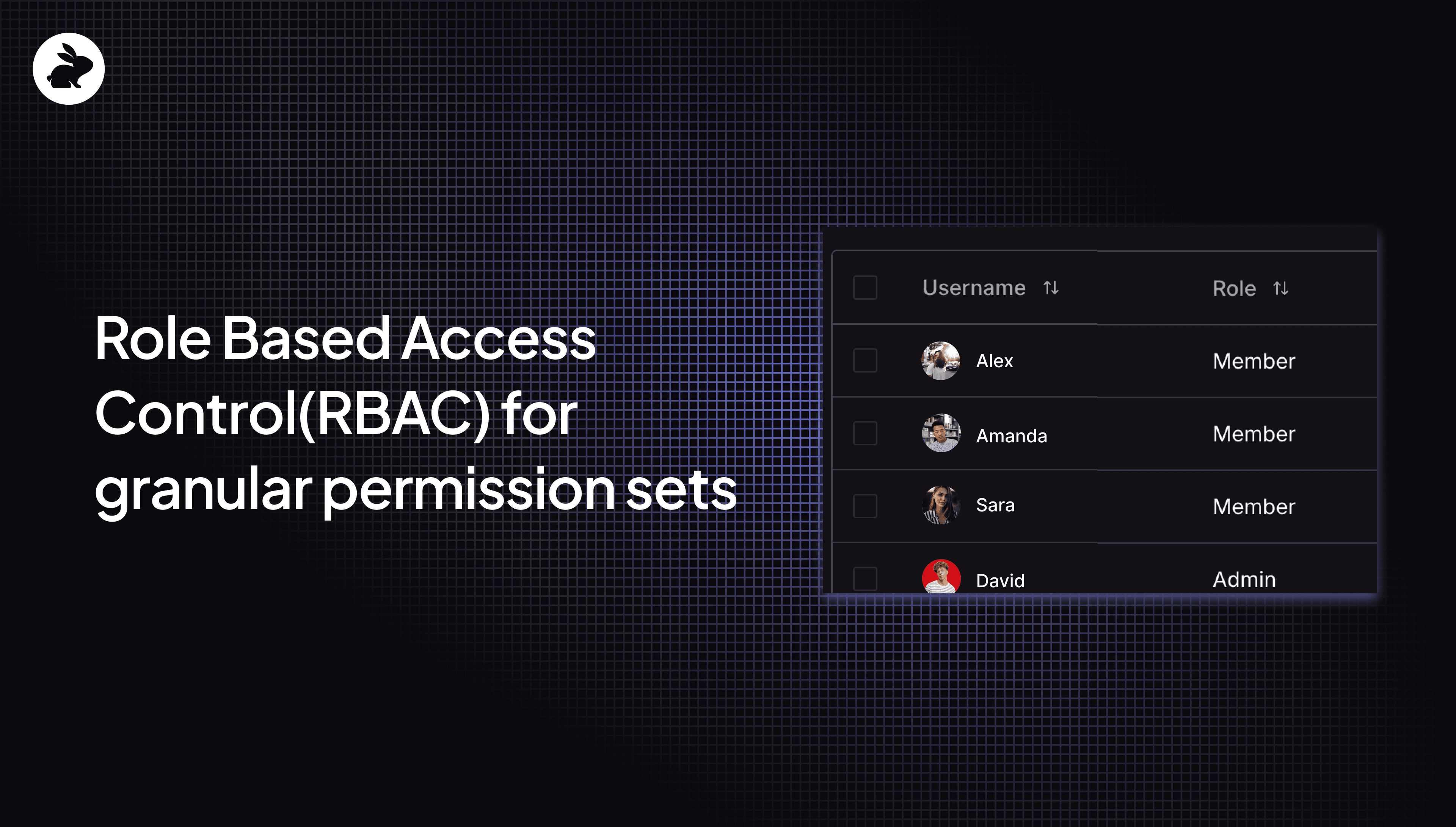
Hey folks - we’re excited to share that Role-Based Access Control (RBAC) is now available for all CodeRabbit customers. This gives your Org Admins the ability to assign granular permission sets that control the actions that users can take. You can find these settings under the Subscriptions menu in the CodeRabbit app.
We have defined three main roles, each with different permissions as they pertain to CodeRabbit settings and configurations:
Admins: Full access with the ability to run code reviews and configure everything in CodeRabbit — review settings, manage integrations, assign roles, edit learnings, view dashboards, generate reports, subscription and billing management.
Members: Limited access with the ability to run code reviews, with read-only permissions to access org or repo level settings, integrations, learnings, dashboards, reports, and subscription details.
Billing Admins: optional role that is only responsible for subscription and billing management. This role has no ability to configure settings or have code reviewed, and it is not a paid seat.
The roles are assigned separately for each Org. If you have multiple Orgs, then roles in one Org do not apply to other Orgs. Only “Admin” users can change these roles and add other users as “Admins”, “Members” or “Billing Admins.”
New roles can be found under Subscription menu
Note that bot users are automatically assigned a “Member” role and this cannot be changed. Only users that have a CodeRabbit seat assigned to them can have their role changed by an admin.
CodeRabbit role permissions
We recommend assigning the “Billing Admin” role to users who will only be responsible for managing the financial aspects of your CodeRabbit subscription, such as adding new users, increasing the number of seats, changing plans, etc. If you do not have a dedicated person that will act as a “Billing Admin” then any other “Admin” in your Org can also perform all billing and subscription tasks.
You’ll need to assign the “Admin” role to users who must have write access to every feature and config setting in CodeRabbit. Other users who are primarily concerned with running AI code reviews only may be limited to the “Member” role.
Here is a detailed matrix that explains the different permission sets for each of the three roles.
| Resource | Admin | Member | Billing Admin |
| Org Settings | Write | Read-only | No access |
| Repo Settings | Write | Read-only | No access |
| Integrations | Write | Read-only | No access |
| Learnings | Write | Read-only | No access |
| Dashboards | Write | Read-only | No access |
| Reports | Write | Read-only | No access |
| User Management | Write | Read-only | Read-only |
| Subscription Management | Write | Read-only | Write |
| Billing Management | Write | No access | Write |
Note that “Admins” also have the same level access that “Billing Admins” do but the reverse is not true. Every “Admin” can perform the same tasks that a “Billing Admin” can. Any user that must only be a “Billing Admin” needs to be invited manually by an “Admin.” The screenshot below shows how an “Admin” can invite another “Billing Admin” using their email, if that user does not exist in your Git platform. Also, for users with “Member” role, the metrics in the dashboards will only be visible for the Team that they are a part of in their Git platform.
Invite Billing Admins using their email
Users that are added as Billing Admins, and those that do not exist in your Git platforms, must login using the Login with Email option instead of the Git platform credentials.
Role mapping from Git platform to CodeRabbit
Some roles are assigned by default for all users that exist in your Git organization. You can review these under the “users” menu. The default roles are mapped to the permissions that user has in your Git platform organization and are automatically inherited by CodeRabbit. You will have to manually assign roles to users if you want to change CodeRabbit’s default assignment that is based on the mapping rules below.
| GitHub | GitLab | Azure DevOps | Bitbucket | Default Mapping to CodeRabbit Role |
| Admin / Billing Manager | Owner | Admin | Owner | Admin |
| Member | Maintainer | Member | Member | |
| Developer | Member | |||
| Reporter | Member | |||
| Planner | Member | |||
| Guest | Member | |||
| Minimal Access | Member | |||
| Added Manually | Added Manually | Added Manually | Added Manually | Billing Admin |
Note that Azure DevOps only reports “Admin” users. If a user exists in Azure DevOps organization and is not an “Admin” then we assign the “Member” role to them by default.
TL;DR
The TL;DR for the RBAC roll-out:
You can now assign three different roles to CodeRabbit users:
Admins - run code reviews with write access to configure everything
Member - run code reviews with read-only access for various configs
Billing Admins - special role, only if a dedicated user must be the one to manage billing and subscription
CodeRabbit roles for new and existing users are automatically mapped to equivalent roles in your Git platforms. Only CodeRabbit “Admins” can change these roles.
All roles are mapped to a specific Org. Users in multiple orgs can have different roles in each Org.
Users with “Admin” equivalent roles in their Git platform must be the ones to initiate a CodeRabbit trial.
Have questions or feedback? Reach out to our team via our community Discord server (for free users). Paying CodeRabbit customers and those in an active free trial period, can reach out via this support page to reach our technical team for a faster response. Please provide your Org name when you reach out.
What’s next?
We continue to listen to our customers and incorporate their feedback. The following features are on our near to medium term roadmap:
Expanding RBAC to our self-hosted customers. v1 of RBAC release is limited to SaaS customers only
Ability for “Member” level users to start a CodeRabbit trial
Custom role definitions where admins can pick and choose a custom set of permissions and create new roles
Consistent role availability across all organizations configured with CodeRabbit
SSO integration (SAML / OIDC)
Next steps for you: Login to CodeRabbit, navigate to Subscriptions menu and review or change the CodeRabbit roles for users in your organization. You can also refer the documentation for more details.