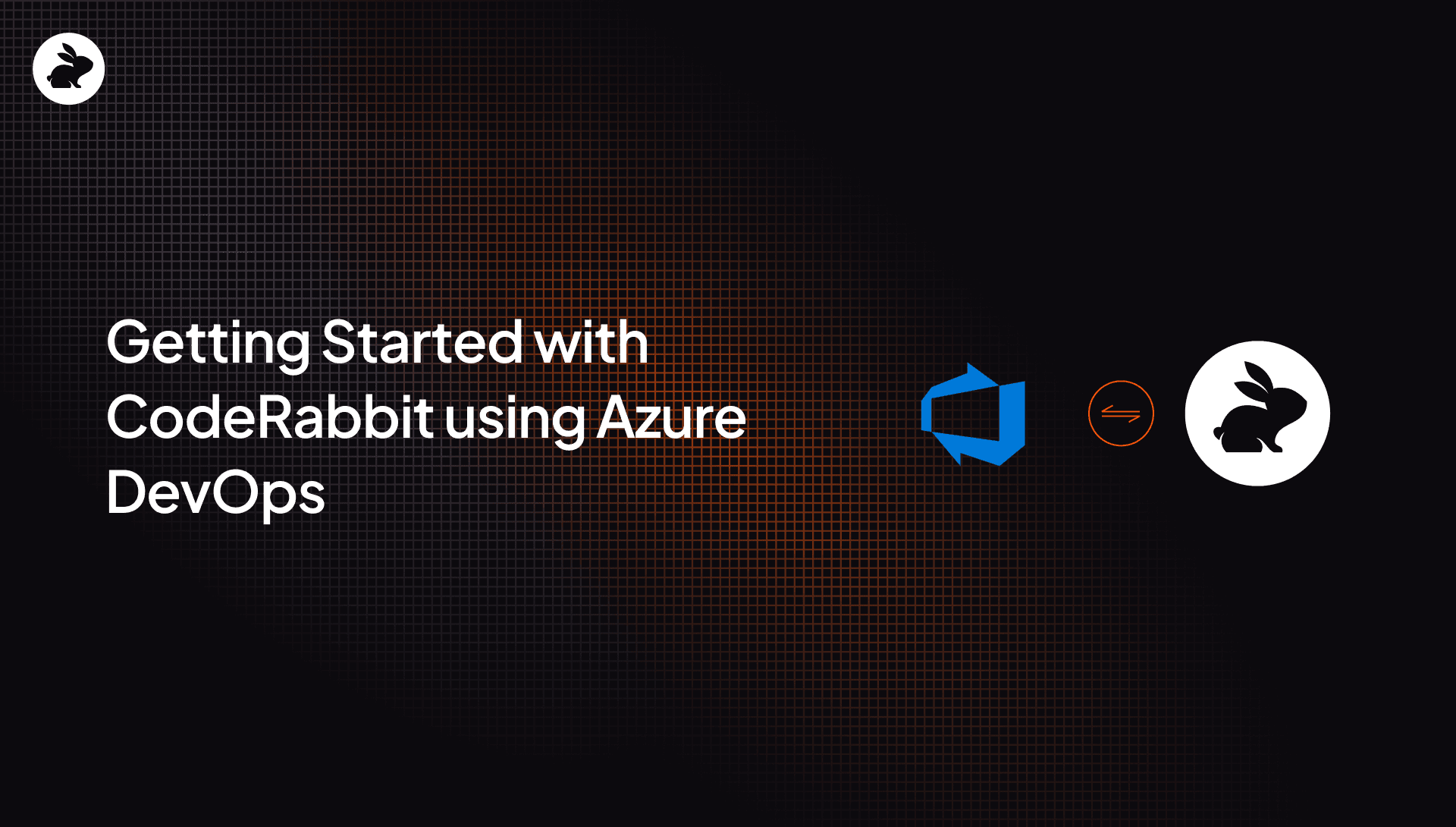
We're thrilled to announce that CodeRabbit, our AI-native Code Reviewer, now integrates seamlessly with Azure DevOps. This integration brings the power of AI-native Code Review to one of the most popular Cloud platforms, helping you catch bugs early, improve code quality, and enhance developer productivity.
Why Azure DevOps?
Azure DevOps is a popular cloud-based platform that provides a comprehensive set of tools for collaborative software development.
It offers features like source control, work item tracking, continuous integration and delivery (CI/CD), and more. By integrating CodeRabbit with Azure DevOps, we're making it easier for teams already using Microsoft Azure to leverage AI-native code reviews without disrupting their established code quality processes.
Azure DevOps is trusted by numerous enterprises and development teams worldwide. Its robust features, scalability, and tight integration with the Microsoft ecosystem make it a preferred choice for many organizations. Interestingly, it offers full compatibility with GitHub’s Enterprise Server features.
How to Use CodeRabbit with Azure DevOps?
Using CodeRabbit with Azure DevOps is simple and straightforward. Here's how you can get started:
- Log in with your Azure DevOps Account
- Request permissions from the Org administrator. CodeRabbit is a verified application on Azure DevOps.
- Create a Personal Access Token from the Azure DevOps Console
- Configure CodeRabbit
- Enable the repo for CodeRabbit reviews.
- Trigger code review to see CodeRabbit post a review within minutes.
Note: If you face issues getting reviews triggered, you might want to check your Project Settings -> Service Hooks. CodeRabbit creates multiple webhooks for each repository.
Key Benefits of CodeRabbit with Azure DevOps
Early issue detection: CodeRabbit performs a thorough, line-by-line review of your code changes within your Azure DevOps organization, ensuring that no potential issues slip through the cracks. By identifying and addressing issues at the earliest possible stage, CodeRabbit helps maintain a high-quality codebase and prevents tech debt accumulation.
Code consistency and standards: CodeRabbit integrates with your linters to automatically enforce coding standards without the need for custom configurations. We learn your organization's unique conventions (stored within your repo on Azure DevOps) and ensure all new code in pull requests adheres to them. With CodeRabbit, developers can focus on innovation while maintainable, consistent code becomes the default.
1-click fixes, chat, and more: We identify and suggest 1-click fixes within the PR in Azure Repos. In addition to providing 1-click fixes, CodeRabbit allows developers to chat, generate unit-test code, and reason about the 1-click fixes directly within the PR pane in the Azure DevOps organization interface. Developers can view and apply these suggestions without disrupting their workflow.
Get started
The integration of CodeRabbit with Azure DevOps brings the power of AI-native code reviews to teams using this popular development platform. By leveraging CodeRabbit's advanced code review capabilities, developers can identify and fix issues early in the development cycle, improve code quality, and enhance overall productivity. Create a CodeRabbit account and try the integration.